AI Body Shape Analyzer — Find Your Shape & Outfit Ideas

Start with one full-body photo. Explore your visible proportions and ideas for tops, trousers, dresses and outerwear. Or preview a sample report below.

  • Free analysis
  • No sign-up
  • Four clothing categories

Drop a clear full-body photo here, or choose a file

JPG, PNG, or WebP up to 10 MiB

Preview a sample report — no upload needed

Why Choose Photo-Based Body Shape Analysis?

Analyze Visible Proportions From One Photo

Analyze Visible Proportions From One Photo

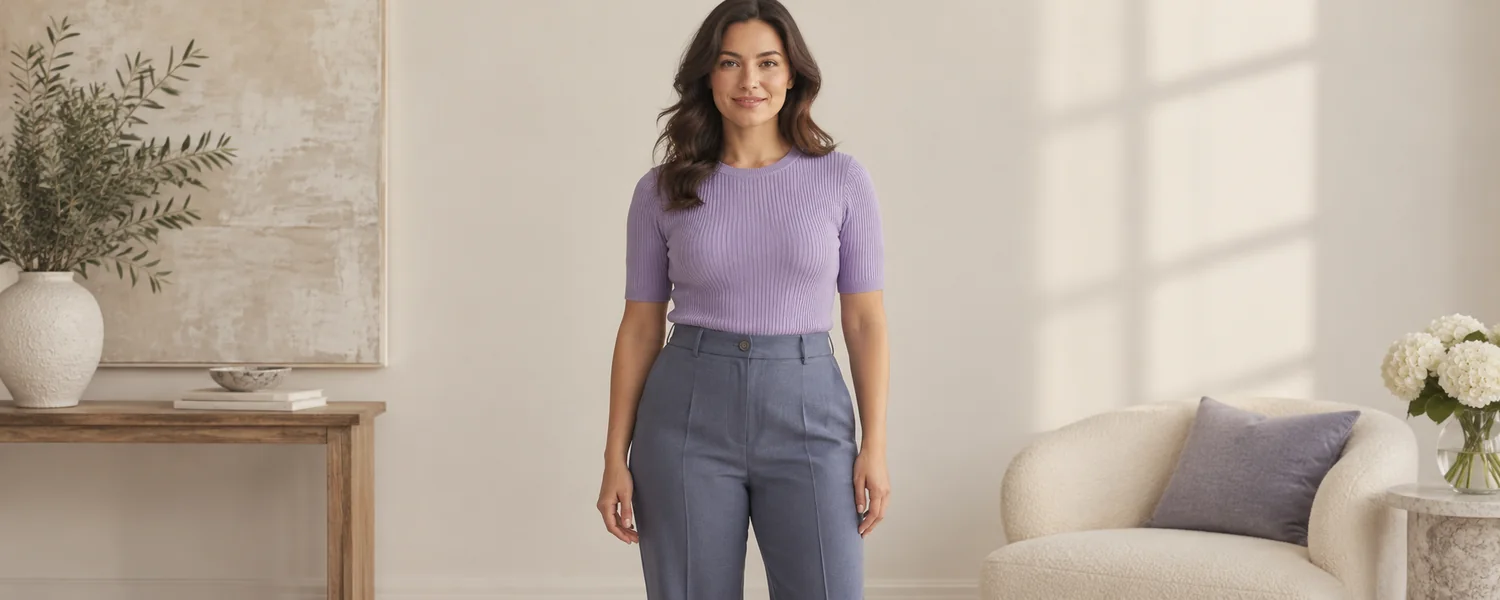
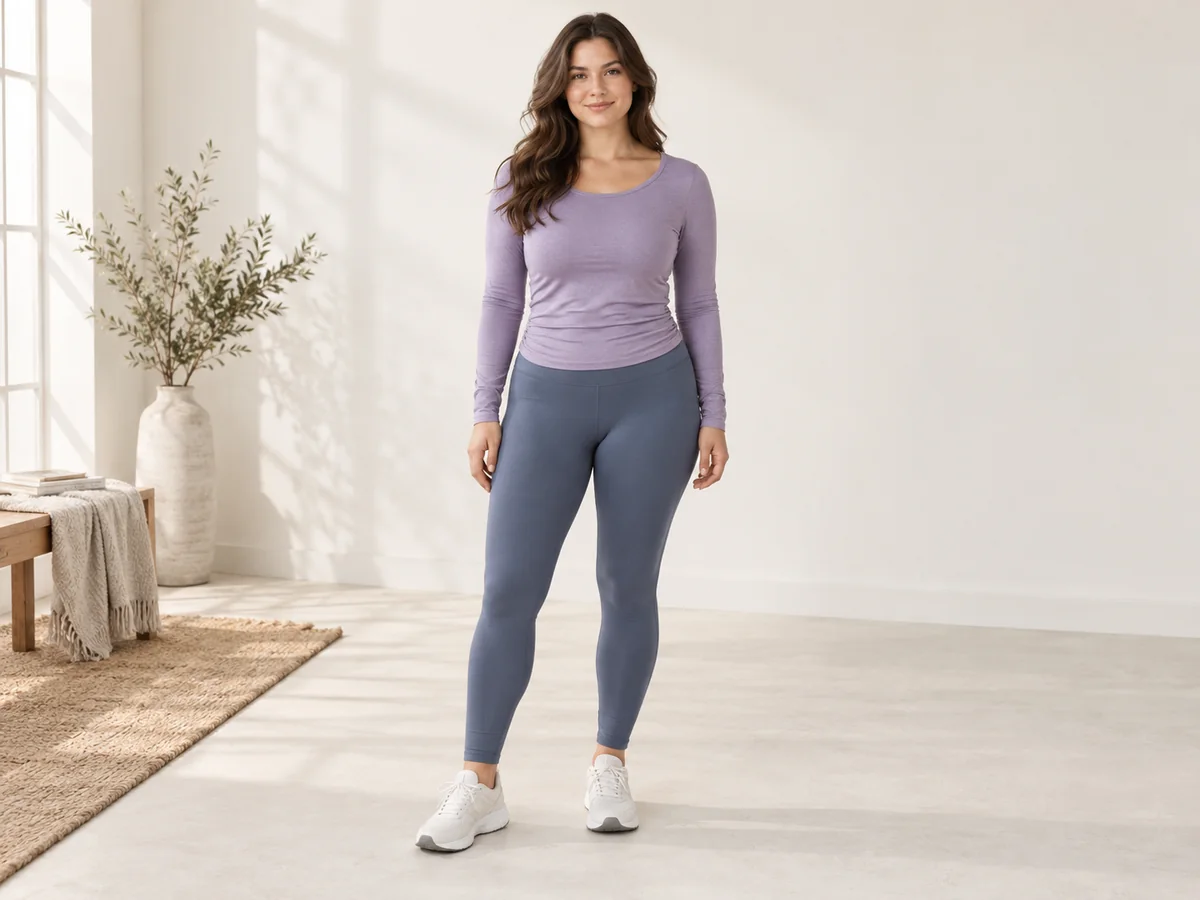
Upload one clear, front-facing full-body photo. The analyzer compares the visible balance of your shoulders, waist, and hips and returns the closest common body-shape category.

You can start in seconds without a tape measure. Fitted clothing, even lighting, and a natural pose help the AI read your outline more clearly.

Analyze My Photo
No Measurements Required

No Measurements Required

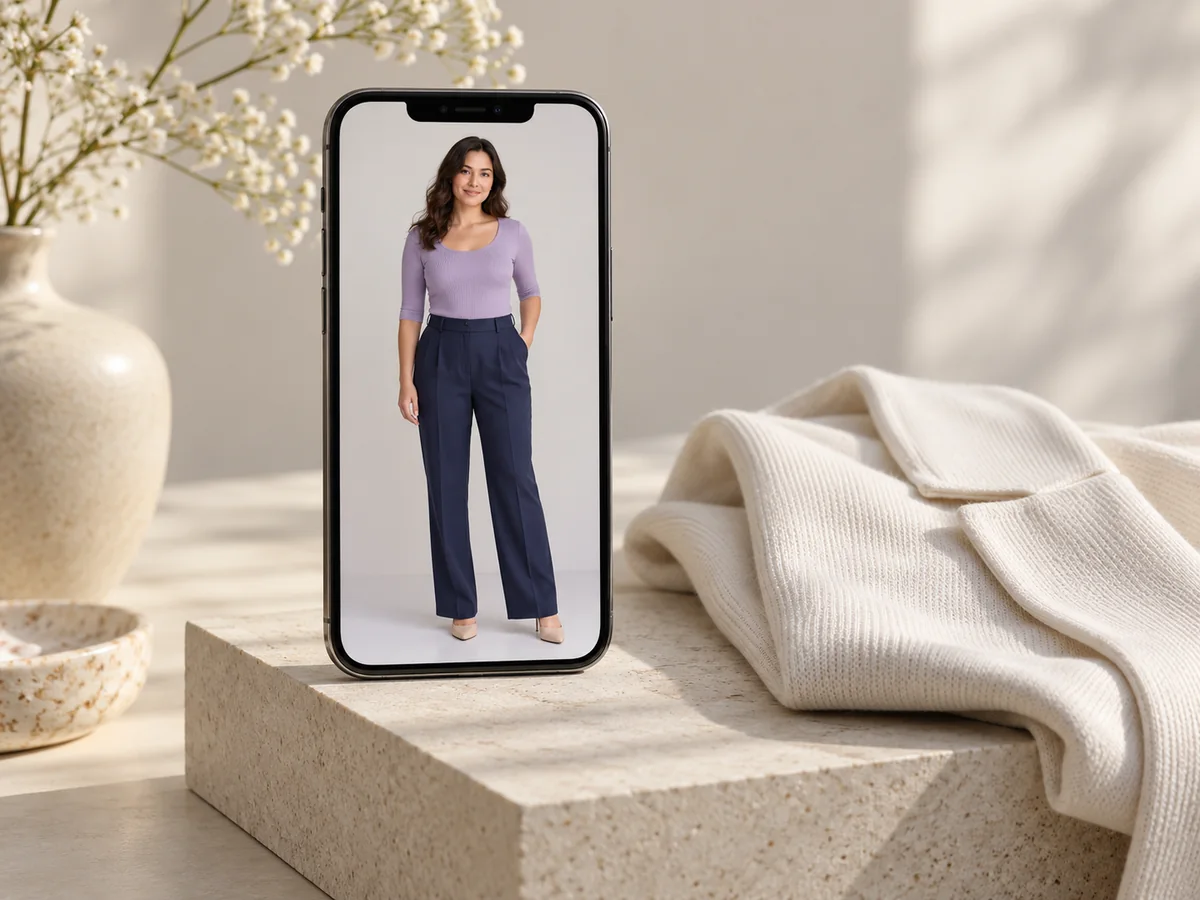
A clear photo is enough for the initial analysis. The product does not collect optional bust, waist, hip, height, weight, or health measurements.

The result is a normalized visual estimate, not a physical measurement in centimeters or inches. Camera angle, clothing, pose, and image quality can change the estimate.

Upload a Full-Body Photo
Get Practical Styling Guidance

Get Practical Styling Guidance

Your report explains the visible cues behind the result and groups recommendations for tops, bottoms, dresses, and outerwear.

Use the guidance as a starting point for outfit planning, not as a rule or medical assessment. You remain in control of what feels comfortable and personal.

Try the Analyzer

Five Body Shapes the AI Can Detect

Hourglass

Shoulders and hips appear close in width, with a visibly narrower waist.

Try wrap tops, waist-defined dresses, fitted jackets, and balanced top-and-bottom volume.

Very boxy layers can hide the waist; compare them with pieces that preserve the natural midline.

How the AI Reads Visible Proportions

The analyzer compares visible proportions in one full-body photo. Clothing, pose, camera angle, lighting, and image quality all influence the estimate.

Shoulder, Waist, and Hip Balance

Shoulder, Waist, and Hip Balance

The AI compares the visible width and contour of your shoulders, waist, and hips. Their relative balance helps it choose the closest of five common body-shape categories.

Silhouette and Photo Quality

Silhouette and Photo Quality

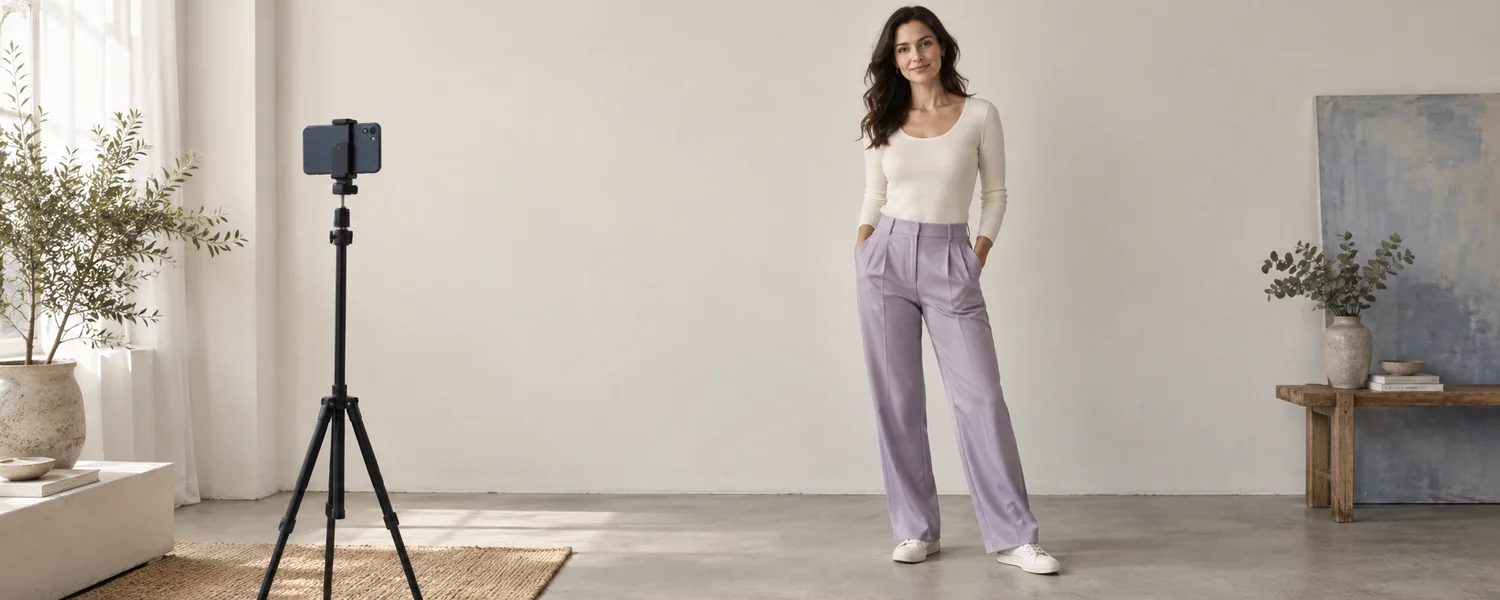
A front-facing full-body frame, fitted non-bulky clothing, even lighting, and a natural pose make the outline easier to read. Cropping, loose layers, and strong camera angles can reduce reliability.

Visual Estimates, Not Measurements

Visual Estimates, Not Measurements

The displayed proportions are normalized visual estimates. They are not bust, waist, or hip measurements and should not be used for tailoring, health, or medical decisions.

AI Photo Analysis vs Manual Measurements

Photo analysis and manual measurements answer different questions. Compare the inputs, outputs, convenience, and limitations before choosing the approach that fits your goal.

AI Photo Analysis vs Manual Measurements
AspectAI Photo AnalysisManual Measurements
InputOne clear, front-facing full-body photoUser-entered shoulder, bust, waist, and hip measurements
OutputClosest common shape plus normalized visual proportions and styling ideasA category calculated from the entered ratios
ConvenienceFast to start and no tape measure requiredRequires careful measuring and consistent tape placement
LimitationsClothing, pose, angle, lighting, and image quality can change the visual estimateEntry or measuring errors can change the calculated category; neither method is a medical assessment

How to Analyze Your Body Shape From a Photo

  1. 1

    Upload a Clear Full-Body Photo

    Choose a front-facing photo with one fully visible adult. Wear fitted, non-bulky clothing and keep your shoulders, waist, and hips in frame.

  2. 2

    Let the AI Analyze Visible Proportions

    The photo is sent to Pollinations for one-time AI processing. The model compares visible shoulder, waist, and hip balance; this application does not collect manual measurements.

  3. 3

    Review Your Result and Style Tips

    See the closest common body shape, an AI confidence estimate, normalized visual proportions, the cues behind the result, and ideas for tops, bottoms, dresses, and outerwear.

Analyze My Photo
How to Analyze Your Body Shape From a Photo

Style Ideas for Your Body Shape

Use the report as a starting point for outfit proportions you may want to explore. These suggestions are flexible ideas, not rules.

Tops

Tops

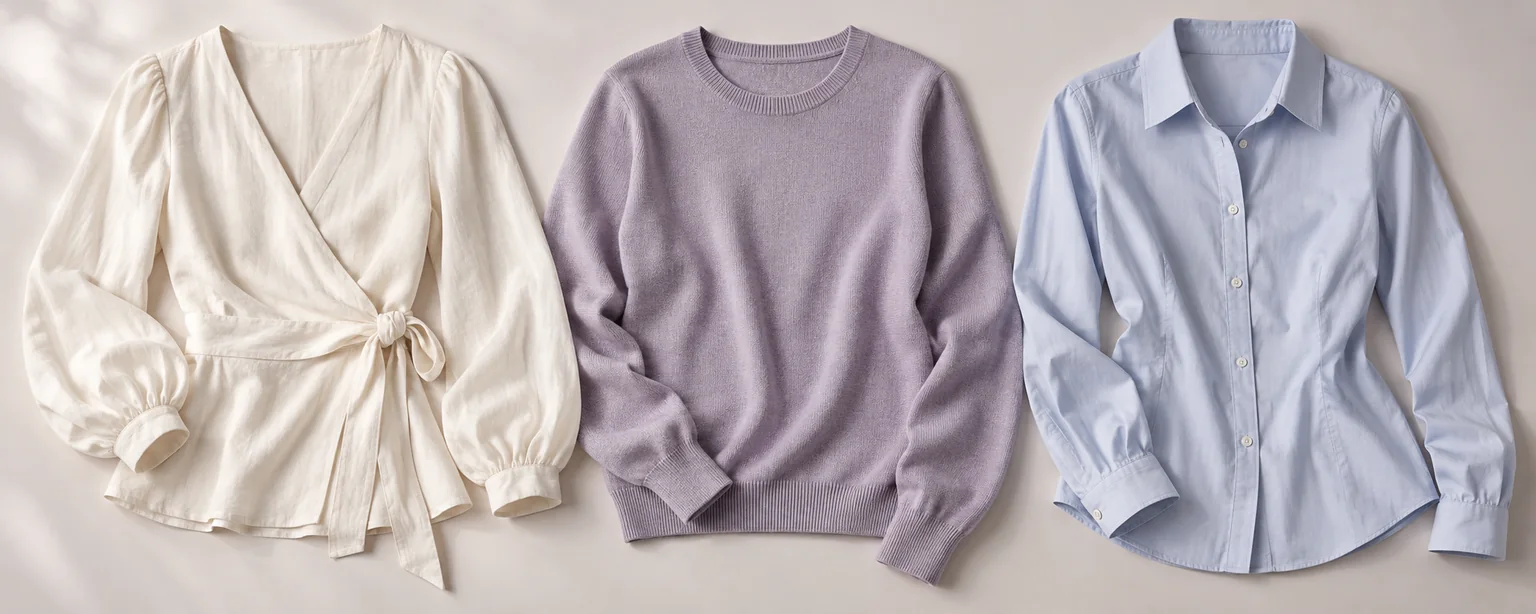
Compare neckline, shoulder structure, sleeve volume, and where the hem meets your waist or hips. Choose details that create the balance or emphasis you enjoy.

Bottoms

Bottoms

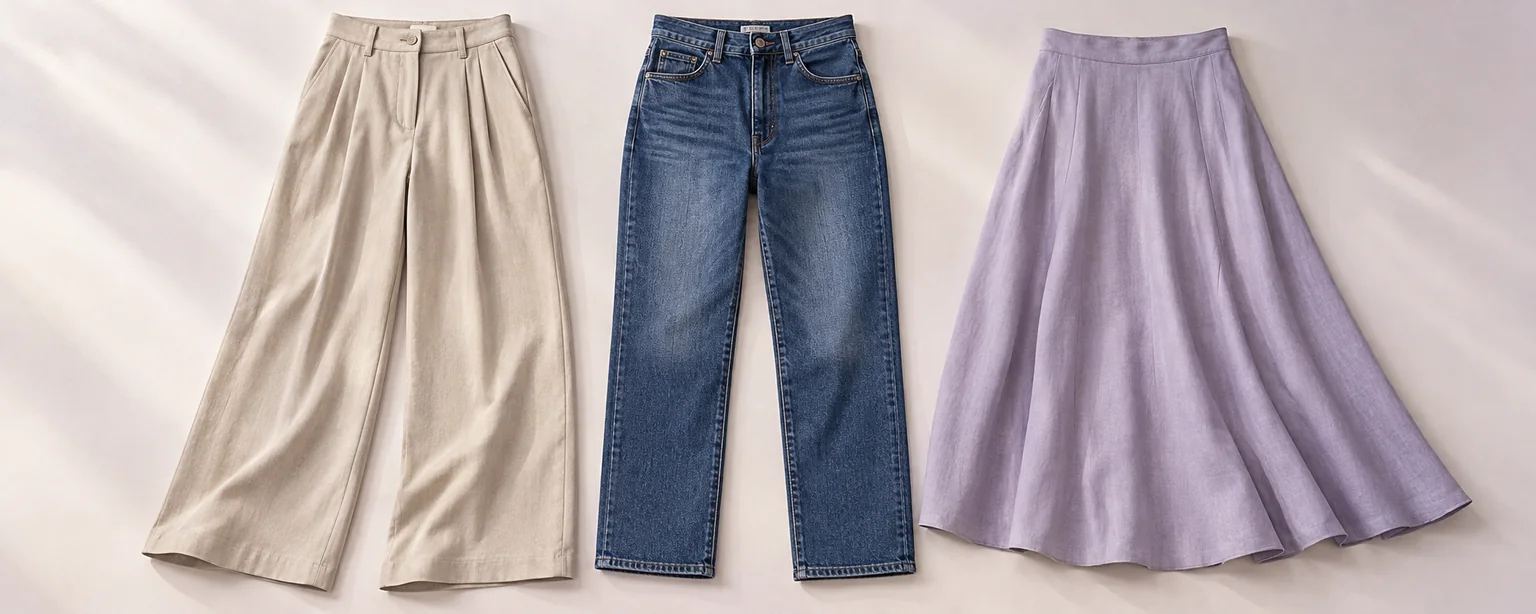
Compare rise, leg shape, fabric structure, and pocket or pleat placement. Use the report to decide whether you want a straighter line, more volume, or more waist definition.

Dresses

Dresses

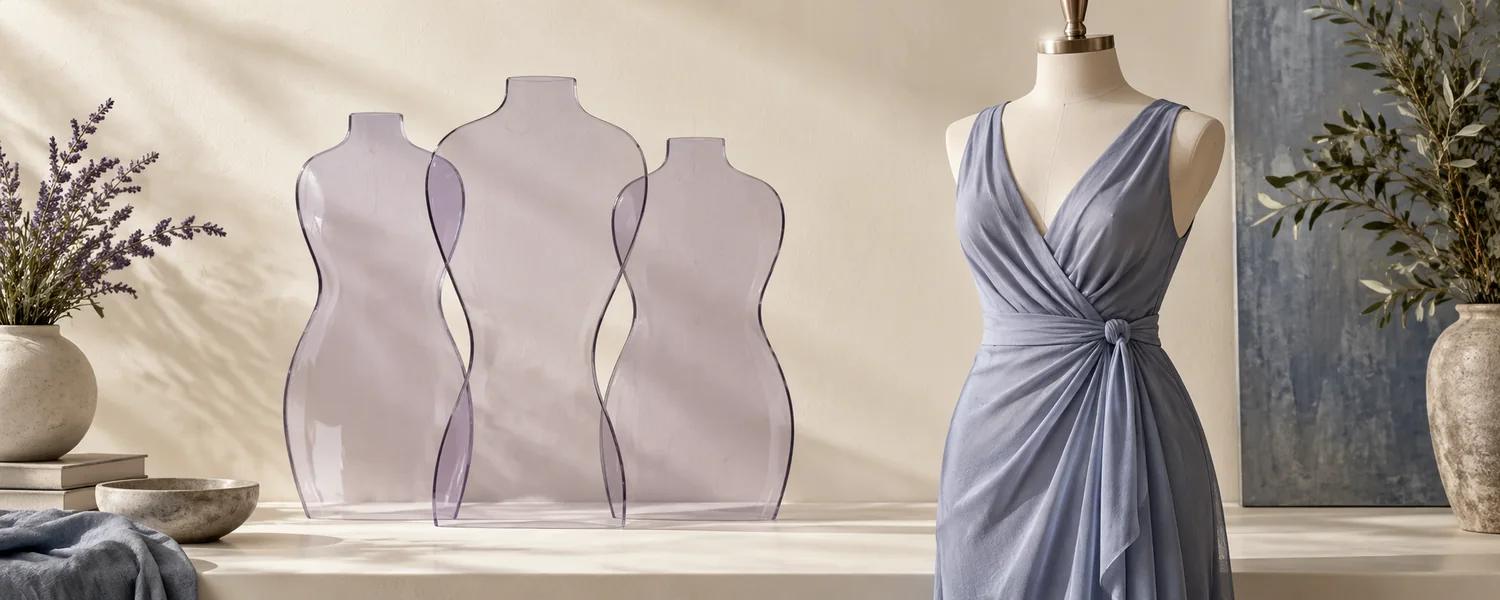
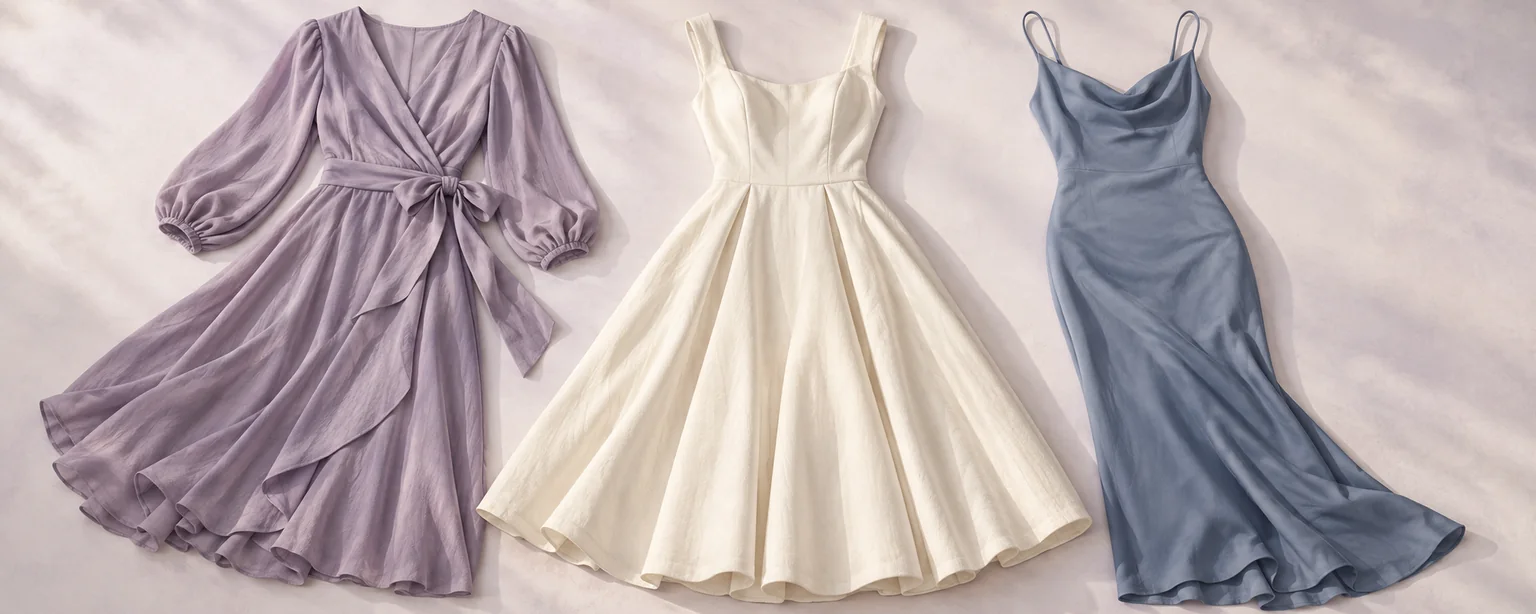
Compare wrap, fit-and-flare, column, shift, and waist-seamed silhouettes. Comfort, movement, and personal preference matter more than any category label.

Accuracy and Privacy

Understand what the estimate means and how this application handles your photo.

A Visual Estimate, Not a Measurement

The analyzer provides style-oriented guidance from visible proportions in one photo. Clothing, pose, camera angle, lighting, and image quality can affect the result. It is not a medical assessment or an exact measurement.

Processed Without Saving to This Site

This application does not save your photo to a database or gallery. Analysis sends it to Pollinations and its model providers, whose retention rules apply separately. The preview remains in browser memory until removed or you leave the page.

Use the Result as Guidance

The result should not be used for tailoring, health, weight, or medical decisions. It does not infer ethnicity, age, attractiveness, or other sensitive traits.

Frequently Asked Questions